MapSnap.ai
Google Maps™ Lists Made Easy!
Features
Paste any itinerary or list of locations and convert it into a Google Maps™ list
Get personalized titles, descriptions, and location excerpts
Share your travel plans and favorite places with Friends
View and manage your trip directly on Google Maps™
Paste any itinerary or list of locations and convert it into a Google Maps™ list
Get personalized titles, descriptions, and location excerpts
Share your travel plans and favorite places with Friends
View and manage your trip directly on Google Maps™
Paste any itinerary or list of locations and convert it into a Google Maps™ list
Get personalized titles, descriptions, and location excerpts
Share your travel plans and favorite places with Friends
View and manage your trip directly on Google Maps™
Paste any itinerary or list of locations and convert it into a Google Maps™ list
Get personalized titles, descriptions, and location excerpts
Share your travel plans and favorite places with Friends
View and manage your trip directly on Google Maps™
How It Works
1. Paste any text
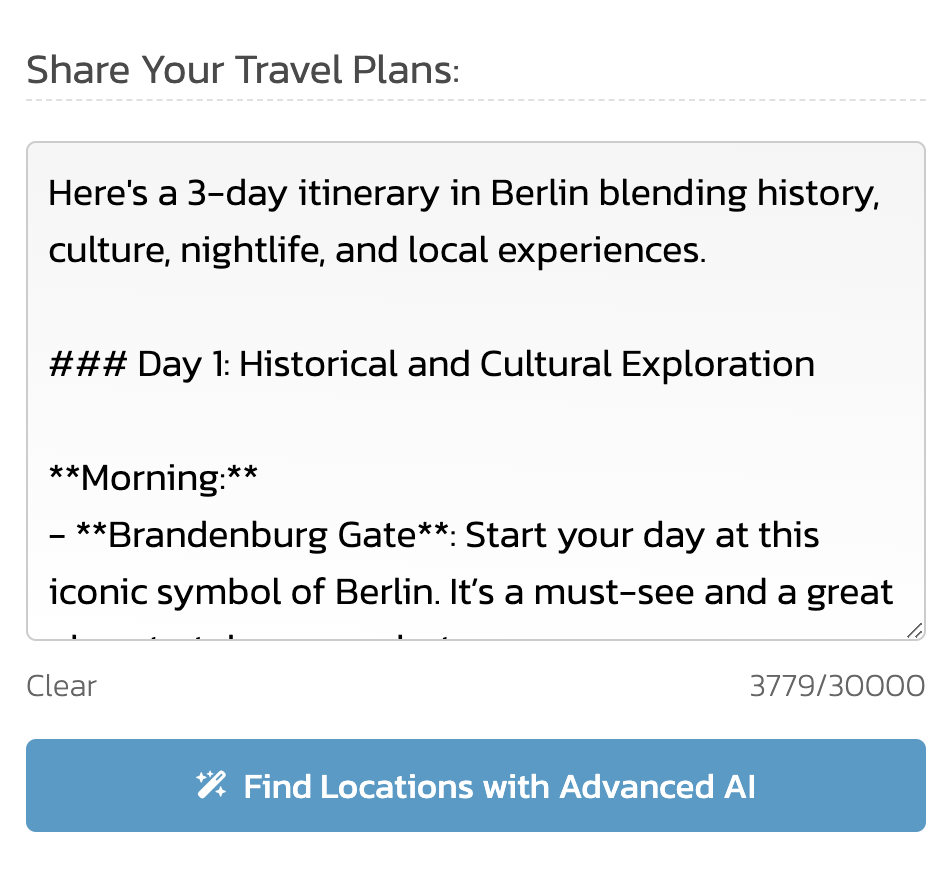
Click on the MapSnap.ai extension icon in your Chrome browser and paste your travel itinerary or location list from any source and in any language. It can be a trip recommended by ChatGPT, a travel blog, a list of your favorite places, or even an itinerary PDF.
2. Review and add your list to Google Maps™
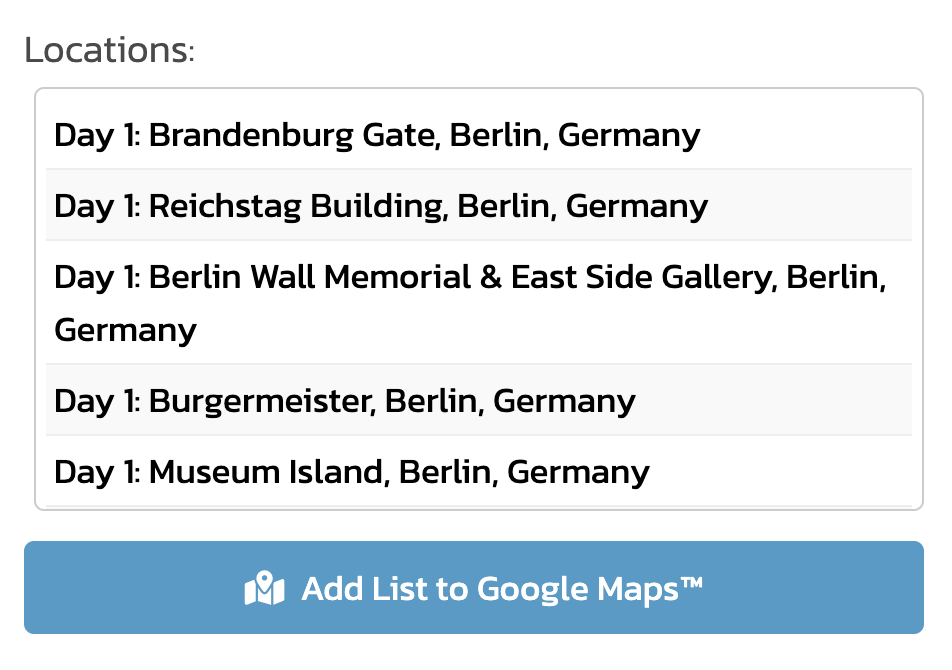
MapSnap.ai automatically detects whether you pasted an itinerary or a location list and extracts locations with relevant context, such as the day of the trip and why each location was included. Now you're ready to generate your Google Maps™ list.
3. Enjoy your trip on Google Maps™
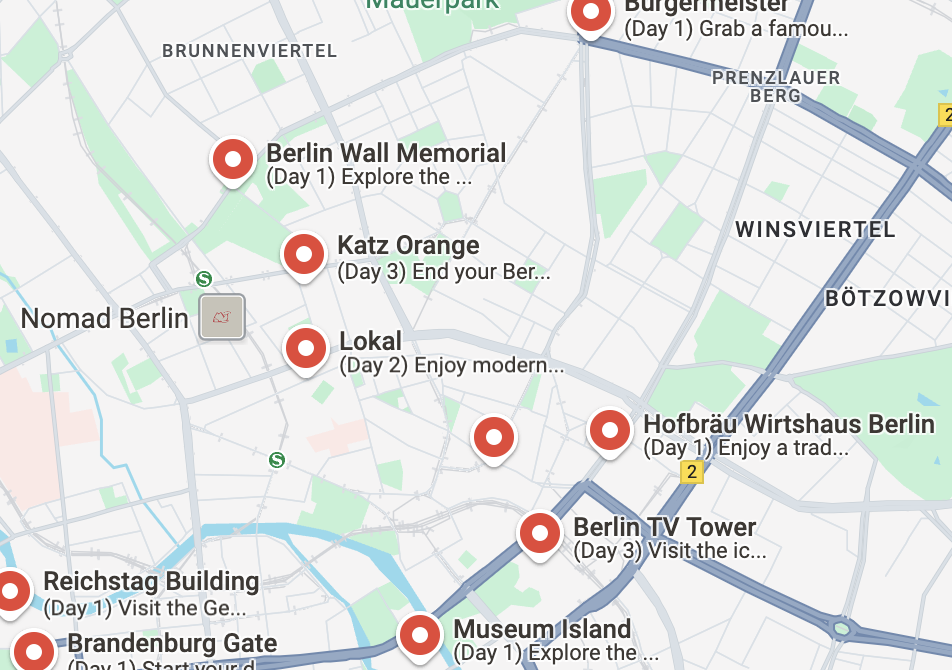
Your MapSnap.ai list is seamlessly added to Google Maps™, allowing you to view and interact with your trip directly on the map. Easily add places, notes, and customize your lists.